What's happening
ADHD and bedtime can turn into a standoff with your own phone. You're exhausted, but this is the first bit of the day that feels like yours, so you pick it up for five minutes. One video leads to another, the feed never runs out, and every "last one" turns into ten more. It's past one when you finally put it down, annoyed because you knew you were tired at eleven.
How to get moving
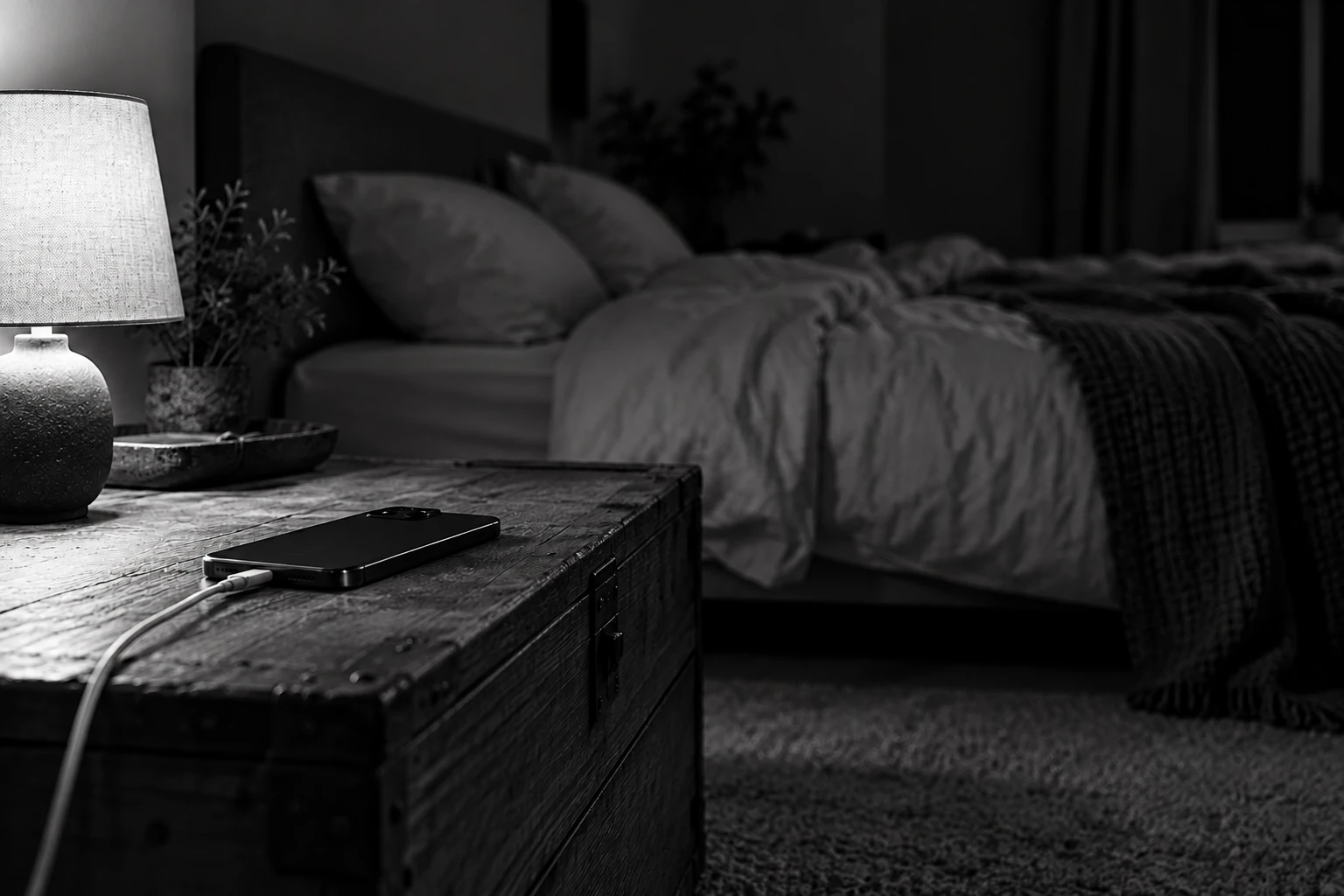
Move your phone charger out of the bedroom, to the kitchen or the hallway, and get a cheap alarm clock so you don't need the phone to wake you up. If that feels like too much, put the charger on the far side of the room, so scrolling means getting out of bed first.
Then make the phone less interesting at night. On an iPhone, Screen Time lets you set an evening schedule that limits the apps you lose hours to, though the exact menu depends on your iOS version. On many Android phones, Bedtime mode in the Clock app can silence the phone and take the colour off the screen at a set time. A grey feed is a lot less fun to scroll.
Important tip
Tie plugging your phone in to something you already do every night, like brushing your teeth, and put it on charge straight after. The NHS suggests not using phones, tablets or computers for an hour before bed, so aim for that plug-in to happen an hour before you want to sleep. If changing your habits hasn't helped, or sleep's been a problem for months, the NHS says to see a GP.
This is lived-experience content. It is not a promise that a particular idea will work for everybody.