What's happening
ADHD and appointments can go wrong even when you've remembered the date. The dentist, the hospital or the MOT is in your calendar, but everything else is scattered. The address is in a letter somewhere, the reference number's in an email and nobody wrote down what you need to bring. On the day, you're hunting for details instead of leaving, and running late for something you did remember.
How to get moving
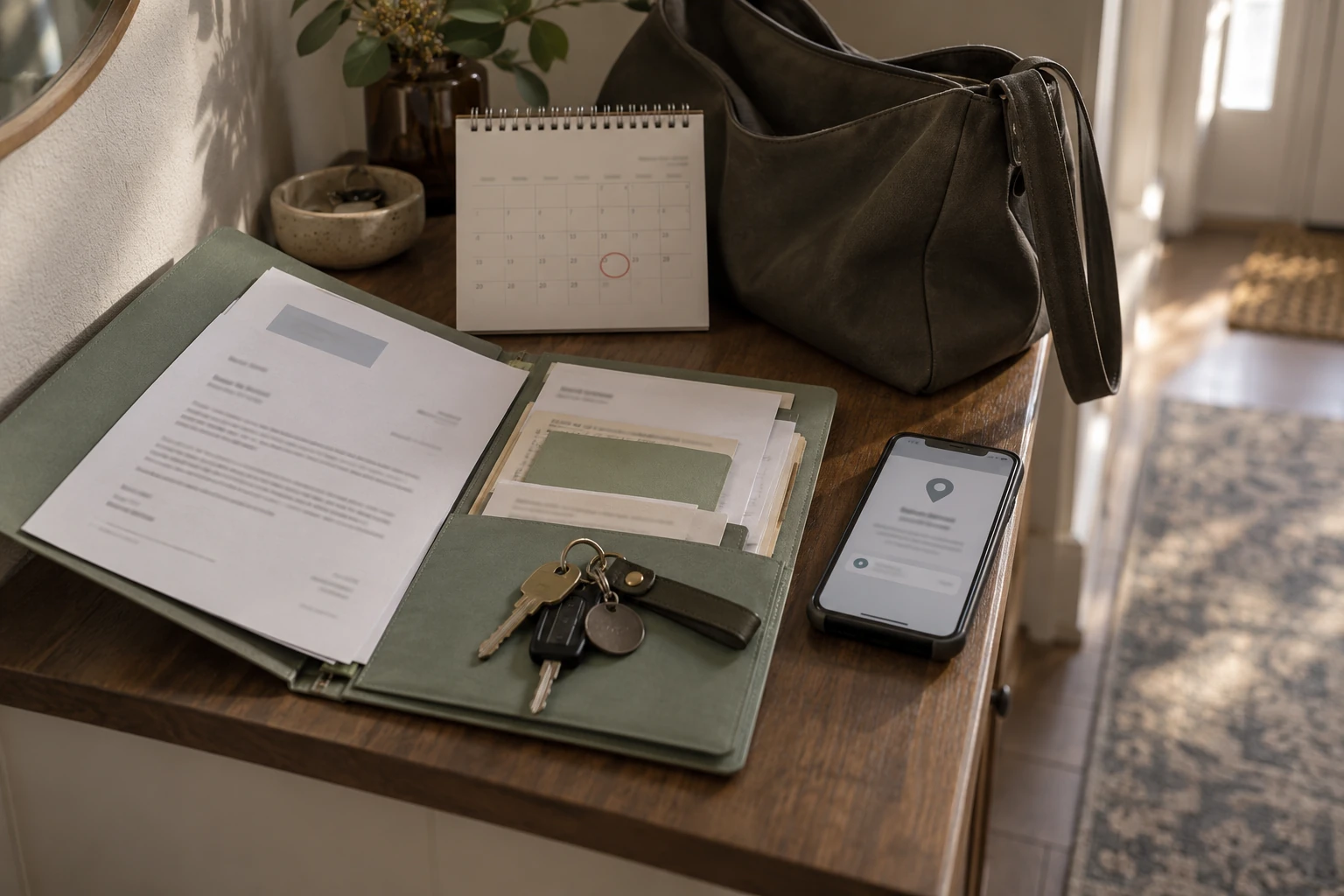
When you book, put every detail in the calendar event, not just the time. Add the full address in the location box, then in the notes put the reference number, the number to ring if you're running late, and what to bring. Take a photo of the appointment letter too, and keep it in a photo album called "Appointments" so it's easy to find.
Set two alerts rather than one. The first goes off the evening before, so you can find the paperwork and put it with your keys. The second is for when you need to leave, not when the appointment starts. On an iPhone, Calendar can work this out from the event's address: go to Settings, Apps, Calendar, Default Alert Times and turn on Time to Leave.
Important tip
Add the appointment while you're still on the phone or at the reception desk, not when you get home. Read the details back as you type them, then check the date and time on screen. If it's a hospital referral in England, the NHS App may also show it under Appointments, though not every hospital shares its appointments there, so keep the letter too.
This is lived-experience content. It is not a promise that a particular idea will work for everybody.